
Activity and body measurements: making progress visible
 Photo: khunkorn laowisit · StockSnap (CC0 1.0), via Openverse
Motivation is a fleeting thing. Anyone who starts training in January often only feels the change in their own body weeks later — long after the initial enthusiasm has faded. It's exactly in that gap that many people give up. Not because they aren't making progress, but because they can't see it. A single number on the scale on one particular morning says almost nothing. A curve over twelve weeks says almost everything.
This week at Xircuit was therefore about exactly these curves. We built two related areas — activity tracking and body-measurement tracking — and spent more time on the question of how to translate numbers into a story than on the question of how to capture them in the first place. Capturing is the easy half. Making sense of it is the real work.
Why raw data alone isn't enough
A step counter is built into every smartphone today. A smart scale costs less than a pair of running shoes. Raw data on movement and body weight is thus long past being a bottleneck — if anything, most people drown in it. On the iPhone the values sit in Apple Health, on many Android devices in Health Connect, and both systems diligently keep collecting away without anyone ever really looking at the numbers.
Our task was therefore not to create yet another data source, but to bundle the existing ones and make them legible. Activity tracking in Xircuit pulls together daily steps, calorie burn, and activity units from HealthKit and Health Connect and lays them out in a single overview. Instead of opening three apps, a member sees at a glance how active the week actually was.
Activity from two worlds in one overview
Technically, "we read from two platforms" sounds more harmless than it is. HealthKit and Health Connect have different data models, different units, and different notions of what an "activity minute" even is. We therefore normalize these values into a common internal format right at import time, before they ever land in the overview. That keeps the display consistent, no matter whether the numbers originally came from an Apple Watch or an Android wearable.
The overview itself is deliberately kept calm. Three metrics — steps, calories burned, activity units — form the core, each with today's value and the trend of recent days. We thought long about how much to show at this first level, and in the end settled on restraint. Anyone who wants more clicks into the details; anyone who just wants a quick pulse gets it in two seconds.
Body measurements: weight, fat, and the centimeters in between
The second area is body-measurement tracking, and here it gets more personal. It captures weight, body fat percentage, and circumference measurements — at the waist, hip, or upper arm, for example. These values can be entered in two ways: manually, for everyone who works with a tape measure and a notebook, or automatically from connected devices such as a smart body-composition scale. Both paths land in the same time series, so someone who switches devices in between has no break in their data.
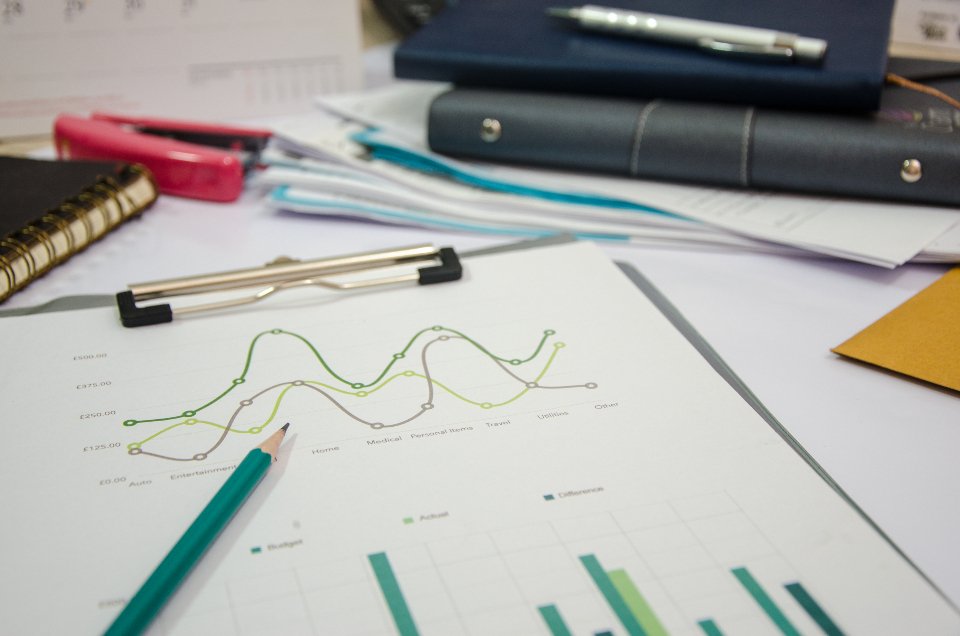
The core of this area is the progress charts. Every measurement gets its own curve over time, and this is exactly where the initial hesitation about showing raw values pays off. A single weight reading fluctuates with fluid balance, time of day, and meals. A curve over weeks smooths out this noise and shows the trend that actually matters. We render the charts directly in the Blazor Hybrid UI so they look identical on iOS, Android, and the web, and remain available offline.
 Photo: Eric Haidara · StockSnap (CC0 1.0), via Openverse
A special path for practices: photographing the form
Xircuit isn't only used by individuals but also by practices and studios that work with clients. For this context, we built an additional capture method that looks old-fashioned at first glance but is exactly right in reality: photo capture of body-measurement protocol forms directly into the client record.
The background is pragmatic. In many practices, the initial measurement is still taken on paper — a trainer measures, notes it down, signs it. Retyping these forms digitally costs time and produces errors. So instead we allow the filled-out form to simply be photographed and attached to the record as evidence. The structured values can still be entered manually afterward, but the original document is preserved as proof. It's one of those features you only understand once you've actually stood in a real practice.
The real point: progress in context
Everything up to here — steps, weight, measurements, photos — remains, on its own, just a collection of numbers. The step that's meant to set Xircuit apart from a plain tracking app is linking these values to the training context. A weight curve placed next to the training history tells a different story than a curve floating in a vacuum. You then see not just that the weight is dropping, but also during which phase of the training plan that happened.
This linkage is why we didn't build activity and body measurements as isolated modules, but as part of the same data model as the training data. Progress becomes visible in context this way: an increase in activity units in the same week that body fat percentage begins to fall is far more valuable information to a trainer than any single number on its own. For now, we display these correlations cautiously and want to enable the more heavily automated analyses only once we're confident they create more clarity than confusion.
Health data remains health data
One point matters especially to me on this topic, and it isn't negotiable: tracking changes nothing about the protection level of the data. Steps, weight, and body fat are health values, and they are treated exactly like any blood glucose reading or heart-rate entry in the system — stored encrypted and captured and shared only on the basis of explicit consent.
Concretely, that means nobody — not even a practice — accesses these values without the affected person having agreed. Consent is granular and revocable, and encryption applies the same way as across the rest of the platform. It would have been tempting to loosen the reins a little for "just a step counter." But the moment you make one exception, you no longer have a protection concept, just a collection of excuses. So the exact same standard applies to activity and body measurements as it does everywhere else.
What's next?
Next week: a customizable dashboard with a drag-and-drop grid, 16 widgets, and three visibility levels.
Comments
No comments yet. Be the first to share your thoughts!
Leave a Comment