
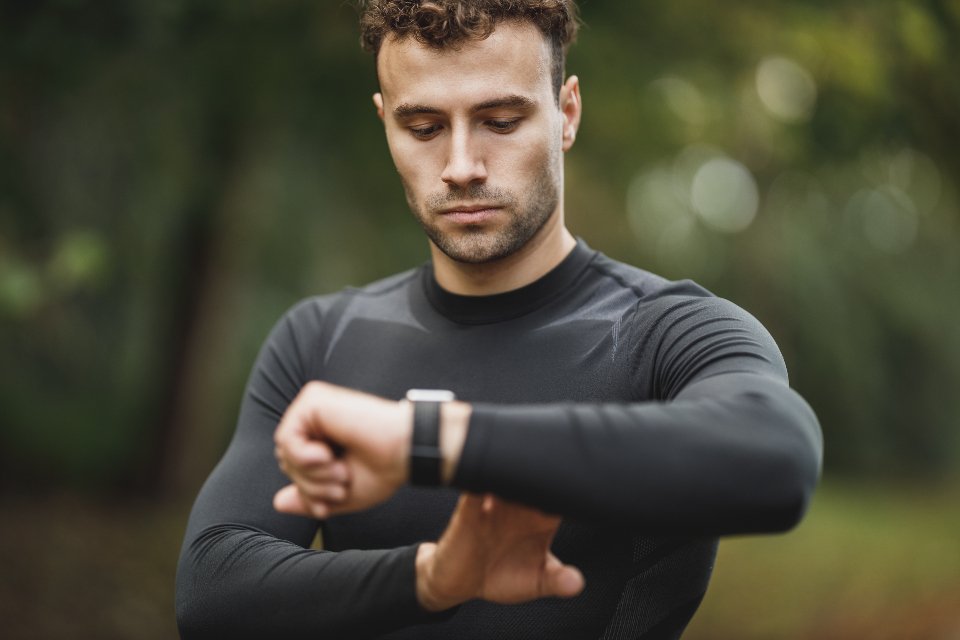
Apple HealthKit: health data on-device
 Photo: Direct Media · StockSnap (CC0 1.0), via Openverse
Health data is the most sensitive category of data an app can process at all. It says something about a person's body, about their sleep, their pulse, their movement — and nobody hands that over lightly. When we started thinking about integrating Apple HealthKit, the first question therefore wasn't "How do we get at the data?" but "How do we get at as little of it as possible while keeping the value?"
This week is about the Apple HealthKit integration in Xircuit: what it reads, why it never leaves the device, where it even sits in a Blazor Hybrid app — and what it means that we shipped it to production with full iOS parity.
Why on-device was the fundamental decision
The obvious architecture for a health-data integration would be a server-side poller: a service regularly fetches a user's values, stores them in a database, and the app reads them from there. That's exactly what we do for some cloud-based providers as well. With Apple, the path is different, and that's deliberate.
Apple built HealthKit so that the actual health data doesn't leave the device without good reason. Access runs through a local API that exists only on the iPhone itself. We decided to follow this model instead of working around it: steps, active calorie burn, heart rate, and activity units are read and processed directly on the device. What the user sees in the app is produced locally — not in our cloud.
That's more convenient for us from a privacy standpoint, but it's also the more honest architecture. When someone asks where their heart rate is stored, the answer "on your phone" is far more reassuring than an explanation about encrypted blobs in a database.
What HealthKit actually delivers
Concretely, the integration reads four data types from HealthKit: step count, active calorie burn, heart rate, and activity units — the minutes that Apple counts as "moved" in its activity rings. These are deliberately the values that offer the greatest benefit for a health and fitness picture at the shallowest depth of intrusion.
For us, these aren't raw values we merely display. They flow into the same internal metrics as values from other sources, so a step from HealthKit and a step from another connection end up on the same chart. This unification is the actual reason a native integration is worth the effort: a single number is worth little, but a number in the context of a week is a signal.
Consent isn't a checkbox, it's the architecture
The part that took the most care is consent. HealthKit access is strictly consent-based, and Apple means it: you don't get "health data" as a blanket grant — you have to request every single data type separately. The app requests granular permissions — for steps, for heart rate, for calories, for activity, each on its own.
That has an uncomfortable but important consequence: for privacy reasons, Apple doesn't even reliably tell the app whether a read permission was denied. From the app's point of view, "no data present" and "access denied" are hard to distinguish. So you have to write the code so that an empty result is never treated as an error, and so that the UI still looks sensible even when the user has only granted a subset of the data types. Accordingly, we only show what we actually have both permission and data for — the rest simply stays invisible, without an error message.
 Photo: Joshua Sortino · StockSnap (CC0 1.0), via Openverse
Where native access sits in a Blazor Hybrid app
Xircuit is a Blazor Hybrid app. That means most of the UI and logic lives in shared .NET code that runs identically on every platform. HealthKit, on the other hand, is a deeply platform-specific Apple technology — it only exists on iOS, and access goes through native frameworks that simply don't exist in the shared code.
The solution is a clean separation of layers. The actual HealthKit access sits in a platform-specific MAUI layer that only compiles in the iOS build. Above it sits an abstraction — at its core, an interface that says "give me the steps for the last seven days" — and behind that, every platform can provide its own implementation. The shared .NET code knows only this interface and knows nothing about HealthKit. On iOS, the native implementation gets registered; on platforms without HealthKit, one that simply returns nothing.
This structure has a pleasant side effect: the Blazor components that display the data never had to be touched for HealthKit at all. They ask the abstraction, get values back, and whether those come from HealthKit or from another source is of no concern to them. That's exactly what a platform-specific integration should look like: a small, well-bounded native core and a large, unchanged shared remainder.
Why Samsung doesn't get the same treatment
An obvious question: if we're already building a native integration, why not build one for Samsung devices right away? The answer is deliberate restraint. We don't serve Samsung through our own dedicated build with a proprietary Samsung Health connection. Instead, Samsung devices will later be covered through Health Connect — the cross-device health-data bridge on Android that brings Fitbit, Pixel, and yes, Samsung together under one roof.
The reasoning is pragmatic: every additional native integration is its own permission logic, its own consent flow, and its own maintenance burden. Health Connect lets us reach an entire family of Android devices with a single integration, instead of building a separate bridge for every manufacturer. That's exactly the kind of decision you make at the start so you don't end up with five half-maintained integrations a year later.
Shipped and verified on-device
As for where things stand: iOS parity isn't theory. It has been verified on-device — that is, tested on real Apple hardware, not just in the simulator — and shipped to production. By "parity" I mean that the four data types arrive completely on iOS and flow into the same views as everything else, with no special cases in the UI.
With HealthKit, the step from "compiles in the simulator" to "runs on a real iPhone" is anything but a formality. The simulator can't realistically reproduce many permission and data scenarios, and the granular grants behave differently on real hardware. That's why on-device verification was the real finish line for us — and the fact that we crossed it, with the integration now in production, is the reason I'm writing about it this week rather than a few weeks from now.
What's next?
Next week: Google Health and Health Connect — Fitbit, Pixel, and Samsung through a shared bridge.
Comments
No comments yet. Be the first to share your thoughts!
Leave a Comment